Endeo
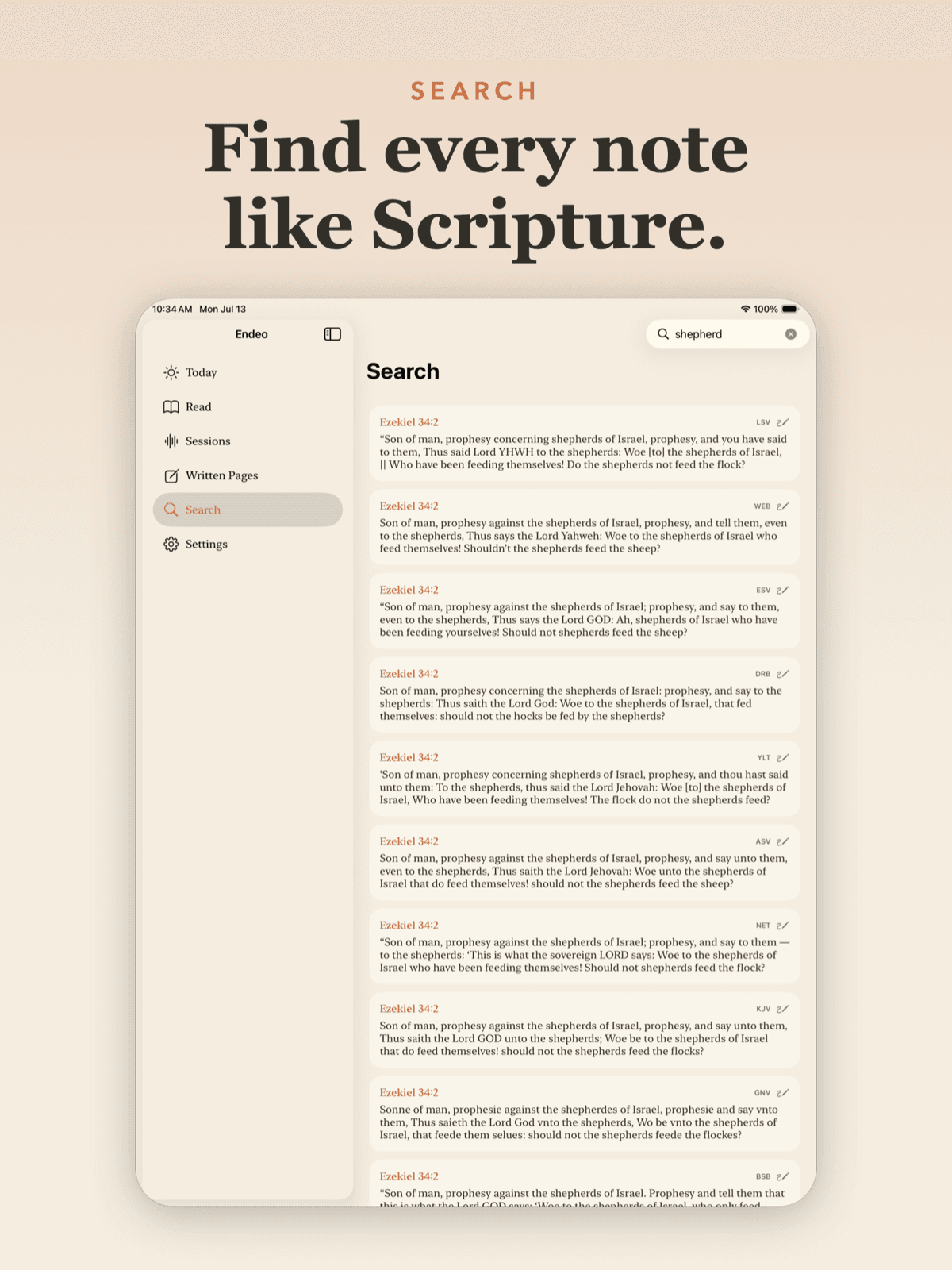
Handwriting on an iPad, turned into searchable text — and a sermon, transcribed while you take notes on it.
- Year
- 2026–
- Role
- Design + Development
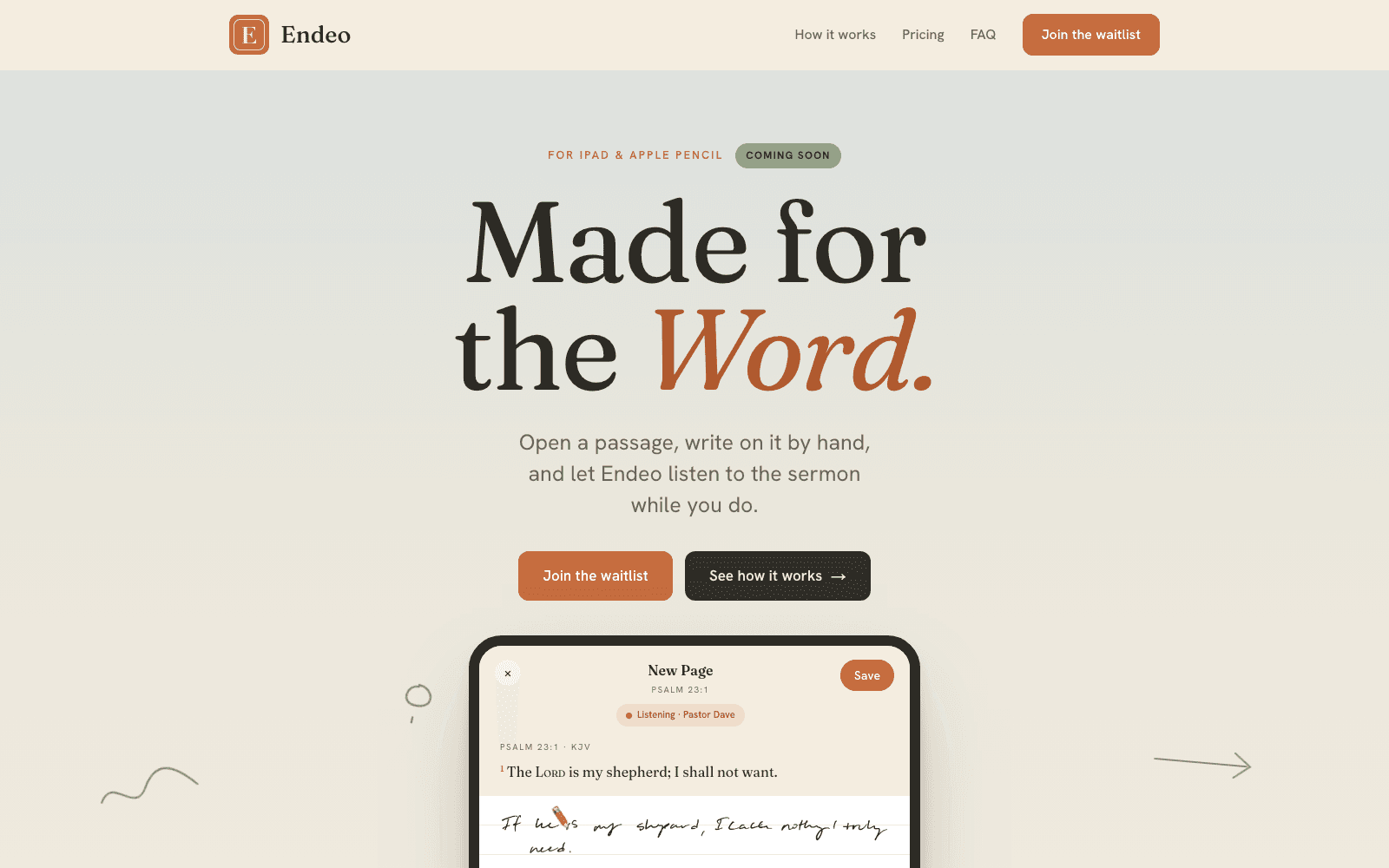
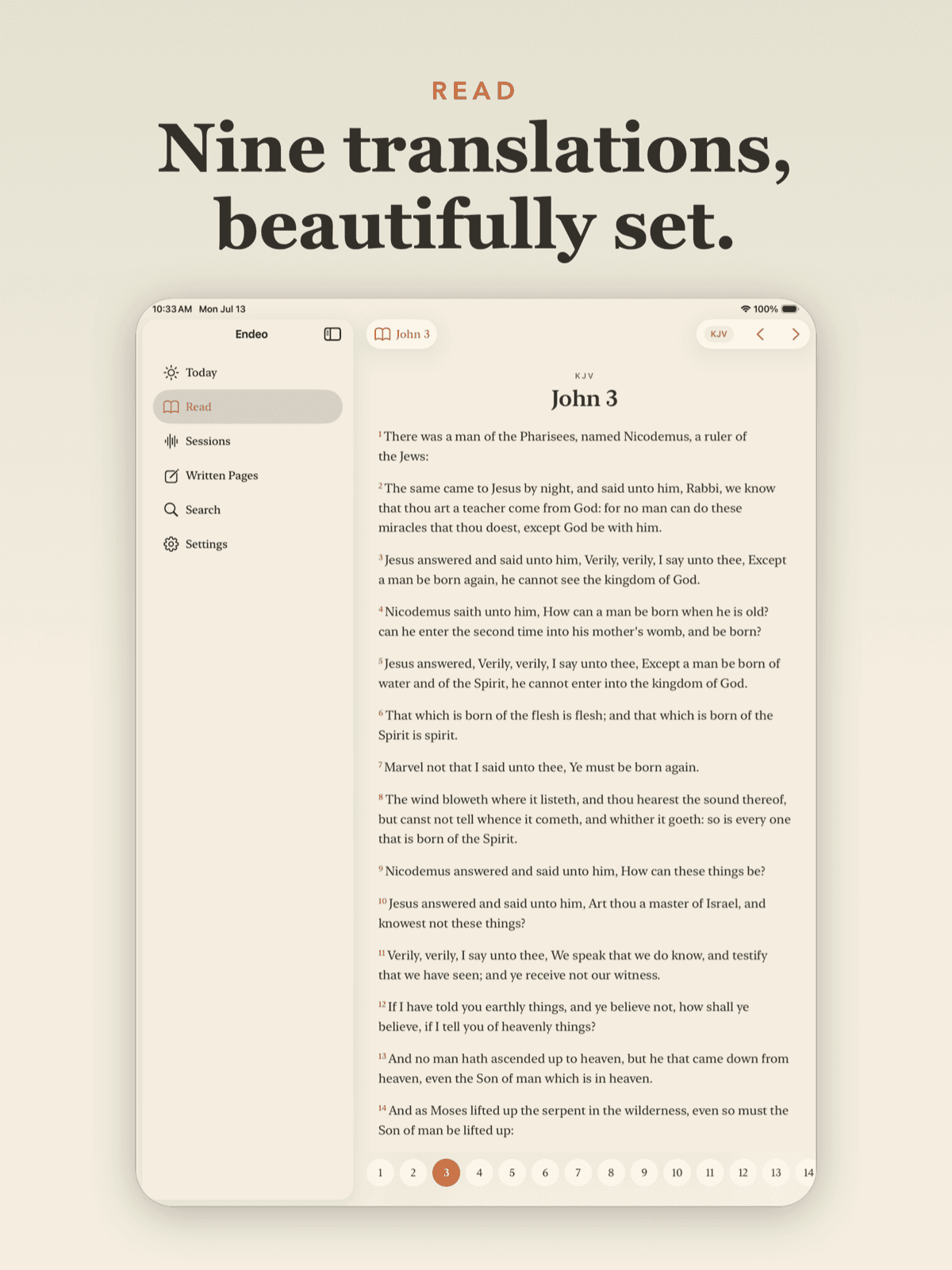
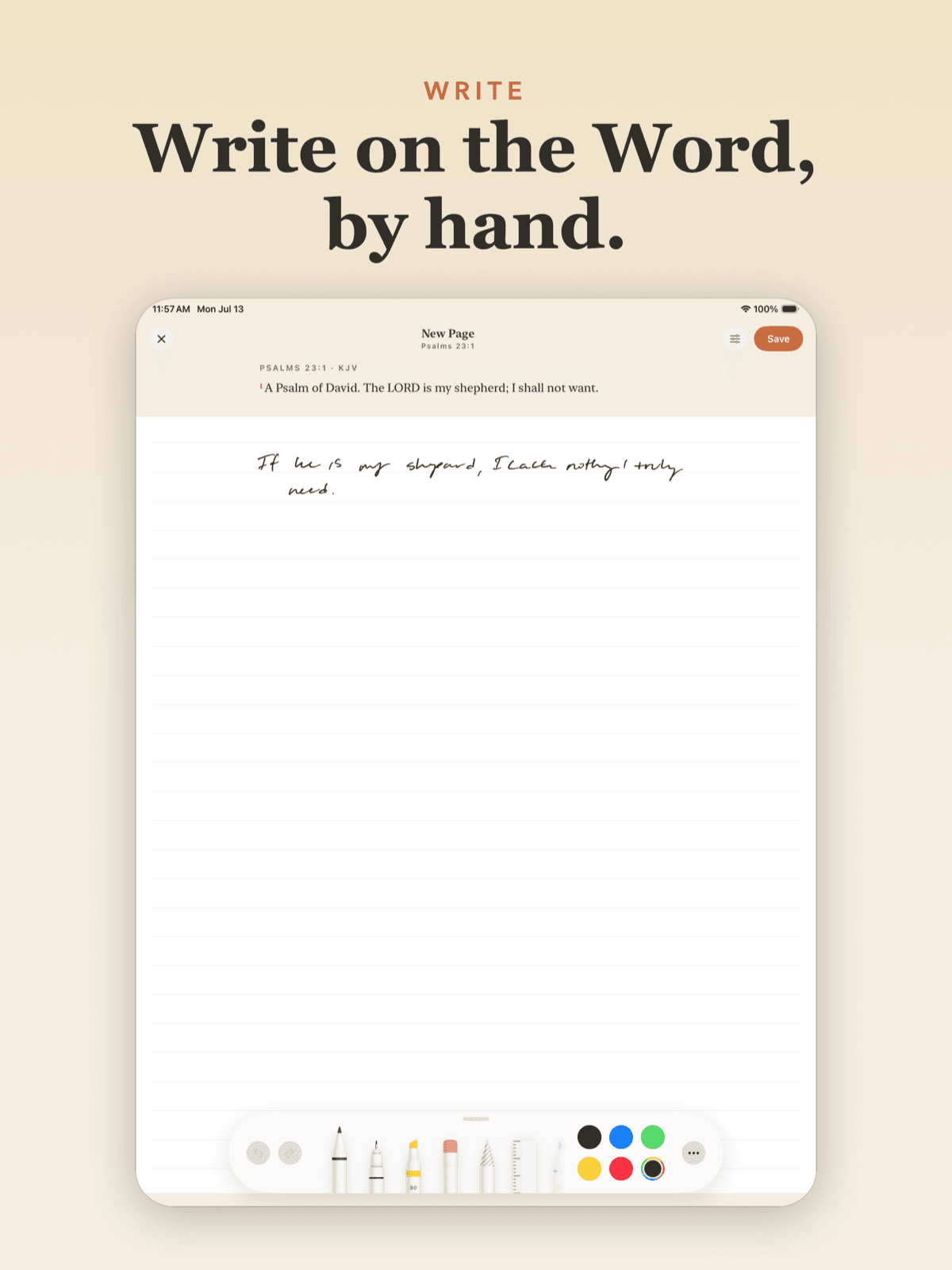
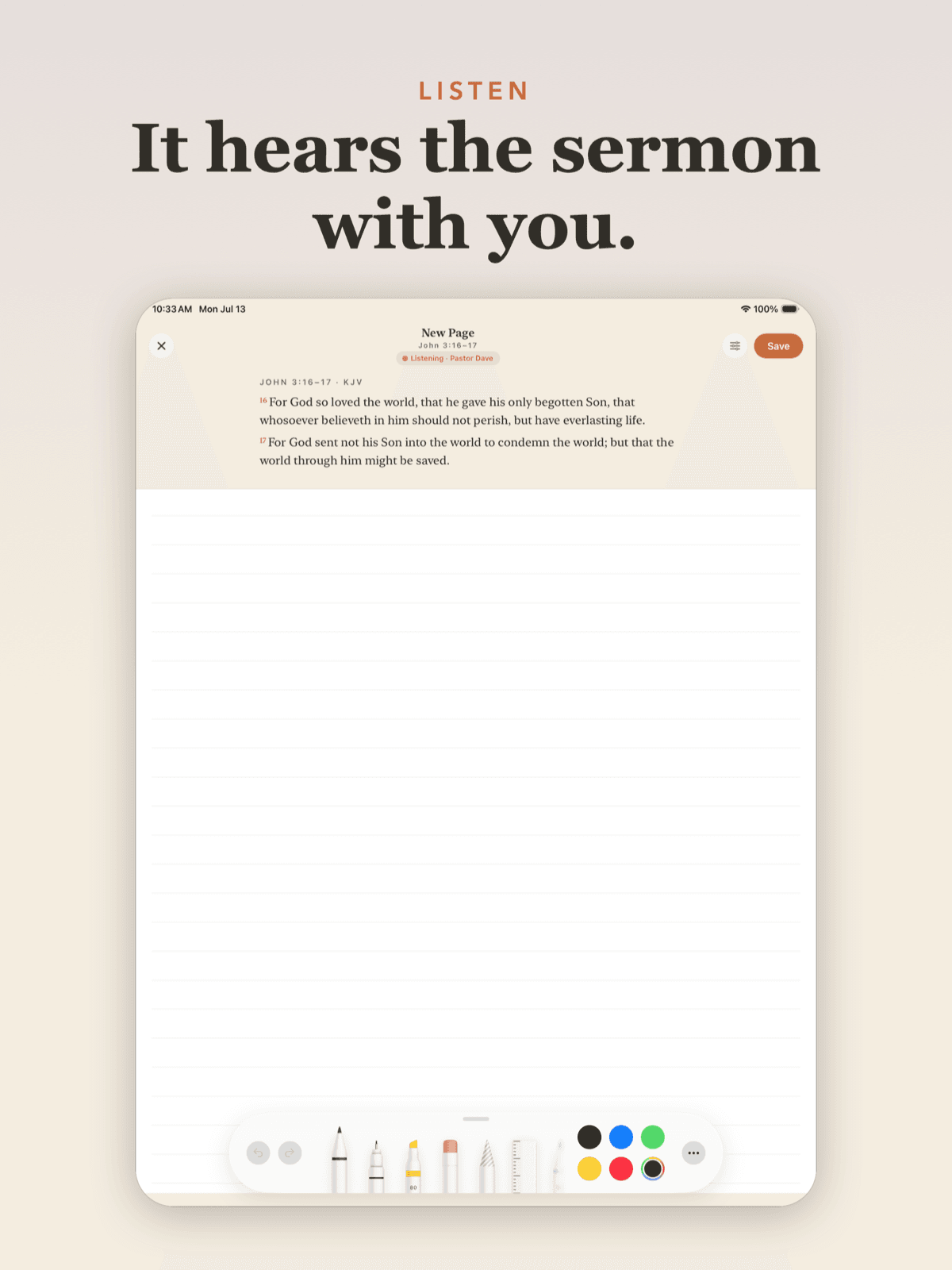
Endeo is an iPad-first Bible study app. You pull up a passage in any of a dozen translations, write on it with Apple Pencil, and the app turns your handwriting into text. Start a listening session while someone teaches and it records, transcribes, and links their words to the notes you were writing at that moment — then summarizes the whole thing, stamped with date, time, place, and speaker.
Handwriting is better for thinking and worse for everything else
People who study seriously write by hand. It's slower, and that's the point — it forces you to compress an idea before committing it. But handwritten notes are a dead end: you can't search them, you can't pull a thread across three years of notebooks, and you can't line them up against what the speaker actually said.
The obvious fix is to make people type. That trades away the thing that made the notes worth having. So the app had to keep handwriting as the input and solve the retrieval problem behind it.
Two capture streams that have to line up in time
Notes are captured with PencilKit and recognized with Vision's handwriting OCR, so the stroke data stays authoritative and the text is a derived, searchable index of it. You never lose what you actually wrote.
Live sessions run through SFSpeechRecognizer, transcribing a talk as it happens. The two streams share a clock: a note written at 14 minutes in is linked to what was being said at 14 minutes in. That correspondence is the whole product — it's what turns two separate recordings into one artifact you can actually use later.
Afterward, a Supabase Edge Function calls Claude to summarize the session, drawing on both the transcript and the notes.
It has to work with no signal and no account
The app is used in rooms with bad wifi by people who don't want to make an account before they can write something down. So the offline path isn't a fallback, it's the default: SwiftData caches everything locally, and Supabase auth starts anonymous and upgrades later if the person wants sync.
With no backend configured at all, the app still runs — bundled chapters, full note-taking, everything except cross-translation search and cloud sync. Degrading to useful rather than degrading to a spinner was a requirement, not a nicety.
Owning the text instead of renting it
Bible text could have come from a third-party API on every request. Instead it's ingested into our own Postgres — public-domain translations from an open source, with an optional key-based provider for more versions.
That decision costs an ingestion pipeline and a migration story. It buys instant cross-translation search, full-text indexing we control, and an app that doesn't break when someone else's free tier changes. For content this static, renting it is the worse trade.
Generated project files, and an Android build
The Xcode project is generated from an XcodeGen manifest rather than committed, which keeps project-file merge conflicts — a genuine tax on any team touching an iOS repo — out of the picture entirely.
Row-level security is enforced in Postgres, so a user's notes are isolated at the database rather than in application code. There's an Android build alongside the iOS app, and it's on the App Store.
Field notes
- We stopped committing the .xcodeproj and the merge conflicts stoppedThe Xcode project file is generated from a manifest and never committed. It costs a build step and a few weeks of learning what Xcode writes behind your back.
- We put the Bible in our own Postgres instead of calling an API per requestFor a corpus that never changes and gets read constantly, a per-request third-party API is the wrong shape. What ingestion actually cost us, and what it bought.
- Keeping a live transcript and pen strokes on the same clockA note written at minute 14 should link to what was said at minute 14. Getting that right is mostly about refusing to let two subsystems each keep their own time.
- Endeo keeps your pen strokes and treats the OCR text as disposableHandwriting recognition is wrong often enough that it can't be your source of truth. Making it a rebuildable search index instead is what let us ship it.