What a CMS handover should actually include
A CMS handover is a set of artifacts, not a 45-minute screen share. Six months later the attendee has changed roles and the new editor emails you cold. Ship a schema that documents itself, a URL-to-document map, deliberate "here is what breaks" examples, and clear access/billing ownership — while you can still fix the model cheaply.
Training is a moment. A handover is an artifact.
The problem with training as the handover mechanism is that it transfers knowledge into exactly one head, and heads leave. Marketing coordinators change jobs. The office manager who was volunteered to own the website goes on leave. Agencies get swapped. None of that should cost a client the ability to edit their own site.
The test we use: if everyone who attended the handover call left tomorrow, could a competent new hire figure out the CMS from what is written down? If the answer is no, we have not finished the project. We have finished the code.
That reframes what a handover is. It is not a transfer of our knowledge into their memory. It is a set of durable things — in the schema, in the repo, in a document — that answer the questions an editor will actually have, at the moment they have them.
The schema is the first draft of the documentation
Every CMS worth using lets you attach descriptions to fields. Most implementations leave them blank, or fill them with the field name restated. That is a wasted surface. The description sits three inches from where the editor is typing, which makes it the single best place to answer what this field does.
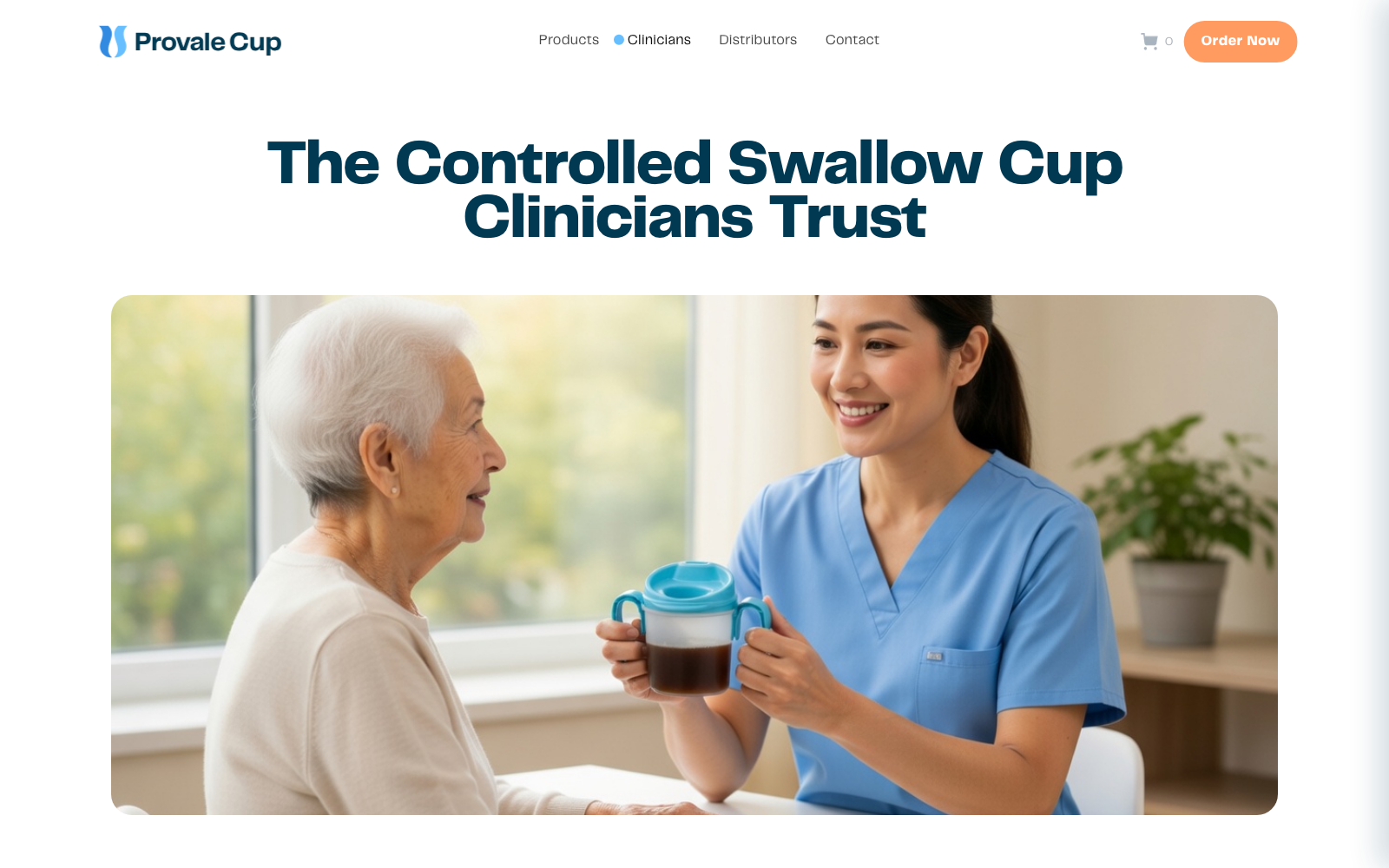
On Provale Cup we wrote descriptions for the constraints an editor cannot otherwise guess: which image gets cropped square, which headline also becomes the page title in search results, what happens if a section is left empty. Not enter the hero heading. More like: this is the first thing a clinician sees, and it is also what Google shows.
Grouping matters as much as wording. A page document with forty flat fields is unusable. The same forty fields grouped by the section of the page they render — hero, resources, footer call to action — mean the editor's mental model of the CMS matches what they see on the site. That is documentation you do not have to write.
- A training call and a recording
- Credentials in an email
- Docs written for the person who built it
- Every real change needs the agency
- Fields grouped how an editor thinks
- Empty fields fall back, never break
- Docs someone would actually read
- They can change it without calling us
The test isn't whether you explained it. It's whether they can change the thing they most want to change.
A written map from URL to document
The most common support question we get is not how do I edit this. It is where do I edit this. The editor is looking at a page on the live site and cannot find the corresponding thing in the CMS.
So we write it down: a table with one row per URL, the document that drives it, and any content on that page that comes from somewhere else. On Provale Cup every page is a singleton — one document, one page, no ambiguity about which of four similar entries is the live one. That is partly a content modeling decision and partly a support decision.
The rows that matter most are the exceptions. Things that look editable but are not. Things that appear on three pages but live in one document, so a change ripples. A footer address that comes from site settings rather than from the page. Every one of those is a future confused email, and one line in a table prevents it.
Show them what breaks, on purpose
A handover that only demonstrates the happy path is a handover that has not been tested. Editors do not get into trouble doing the thing you demoed. They get into trouble at the edges: a field left blank, a portrait photo in a landscape slot, a heading four times longer than the design assumed.
We walk those cases deliberately. Here is what an empty field does. Here is what a very long headline does, and here is roughly the length where it starts to look wrong. Here is the image aspect ratio, and here is what happens when you ignore it. If an empty field produces a broken page, that is our bug and not the editor's — but the editor should still know the shape of the system they are working in.
The other thing to demonstrate is publishing latency. On a statically rendered site there is a window between hitting publish and the change appearing. If nobody explains it, the editor concludes the CMS is broken, publishes four more times, and calls you. Thirty seconds of explanation at handover, with the actual number attached, prevents that entirely.
Access, billing, and the bus factor
The unglamorous half of a handover is ownership. Who owns the CMS project itself, not just a seat in it. Whose card is on the account. Which email address is on the domain registrar. Where the deploy hook lives and what breaks if it gets rotated. These are the questions that get asked in an emergency, which is the worst possible time to be working them out.
Our default is that the client owns everything and we hold access, not the reverse. That occasionally costs us, because it makes us easy to leave. It also means we have never had the conversation where a client discovers their website is hostage to an agency relationship, and we have inherited enough of those to know we do not want to create one.
Write it in a document, in the repo, next to the code. A README listing every external service, what it does, who owns the account, and what stops working if it goes away. It takes an hour. It is the artifact clients thank us for years later, usually at a moment when something has just gone wrong.
The handover is the last cheap chance to fix the CMS
There is a practical reason to run handover as a set of real editing tasks rather than a tour: it is the last inexpensive moment to discover that the content model is wrong. Watch someone try to add an item to a resource library and fail three times, and you have learned something no amount of internal review would have surfaced.
We treat those failures as bugs against the CMS, not against the editor. If the field ordering does not match how someone thinks about the task, reorder it. If they look for a field that does not exist, either add it or explain why the design does not support it. Both answers are fine. Silence is not.
A handover that ends with a punch list is a good handover. It means someone actually tried to use the thing while we were still in the room.
Questions
- What artifacts belong in a CMS handover?
- A readable schema (field groups and names that match editor language), a written map from public URLs to documents, short recordings or guides that show failure modes on purpose, and a list of who owns seats, billing, and deploy access.
- Why show editors how to break the site on purpose?
- Empty fields and mid-swap image edits will happen. Teaching the fallback behavior and the recovery path during handover prevents emergency tickets and surfaces model problems while change is still cheap.
- What is the bus-factor checklist for CMS access?
- At least two people on the client side can invite editors, pay the bill, and reach the hosting project. Studio-only ownership of production CMS credentials is how launches become permanent support retainers.