Airplane mode is the easy case
Airplane mode tests the failure nobody experiences. On golf courses and jobsites the damaging state is "connected" with a request that never finishes — one bar, metal buildings, radios that drop mid-upload. Timeouts are a product decision per call, and you have to reproduce transitions on real devices, not only simulator offline toggles.
Two apps, same problem, different mud
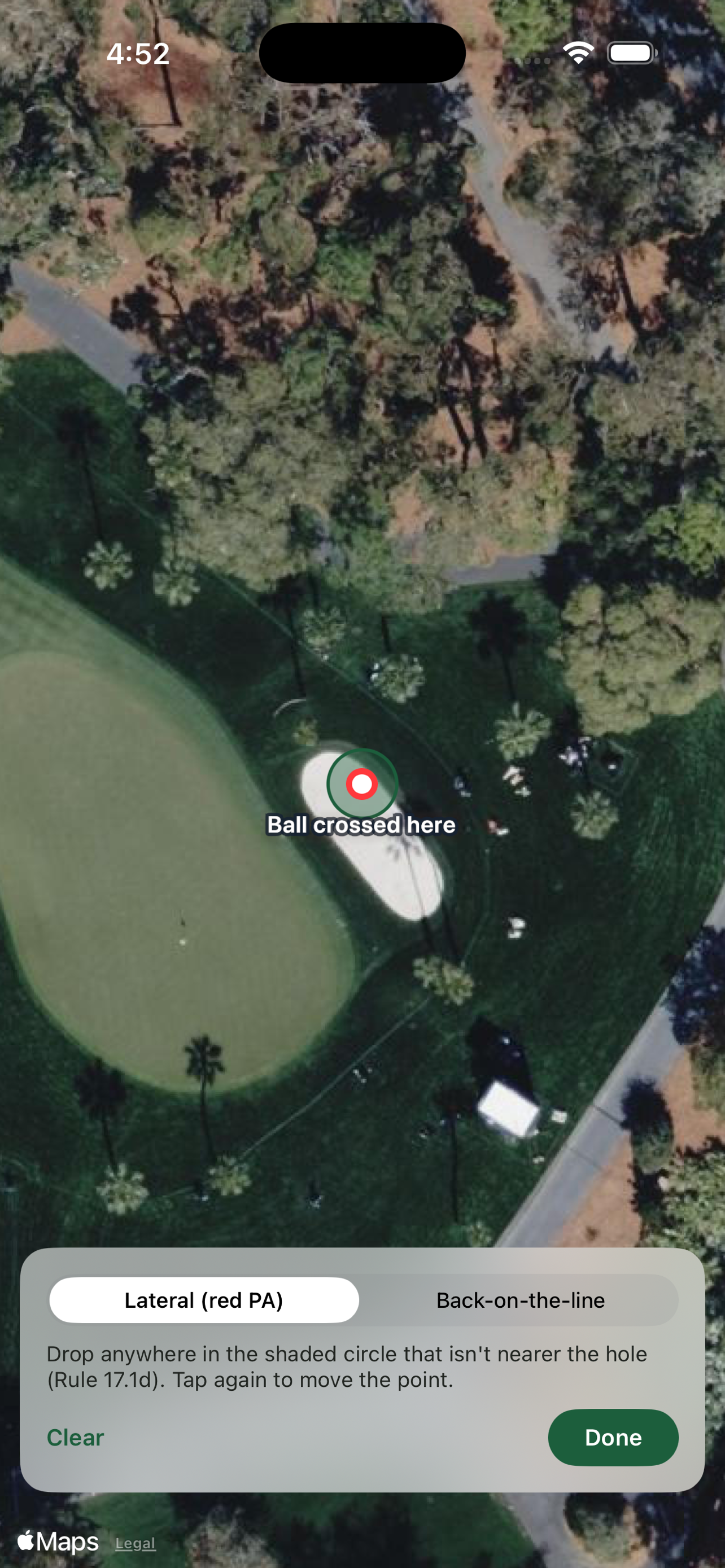
The RuleCaddie case is a person standing over a ball with three people waiting, wanting one answer. They have a phone with one bar, they're outdoors, and their patience is measured in seconds because there's a group behind them.
The BuilderHelp case is a crew member photographing a receipt or answering an RFI. They may be holding something in the other hand, they may be wearing gloves, and the signal at that site can be fine in the trailer and gone forty feet away inside a framed structure. The app is Expo and React Native, shipped through EAS, and none of that changes the physics.
What these have in common isn't that the network is absent. It's that the network is unreliable in a way that varies over seconds and over feet, while the user's tolerance for uncertainty is close to zero because they're in the middle of doing something else.
There are three network states, not two
Most code is written as if there are two: connected and not. Reachability says no, show the offline state, done. That's the state that's easy to detect, easy to simulate, and easy to handle correctly, which is why it's usually the only one handled correctly.
The third state is where the damage is. The interface is up, the OS reports a connection, DNS resolves, the socket opens, and then nothing comes back for ninety seconds. Or the request succeeds after forty seconds, long after the user gave up and tapped something else. Or it succeeds partially, and a photo upload gets two-thirds of the way through before the radio drops as someone walks behind a wall.
In that state, a reachability check actively lies to you. It reports connected, so the app takes the online path, and the user sits watching a spinner that has no deadline. Every genuinely bad offline experience we've shipped came from this state, not from airplane mode.
Timeouts are a product decision
Default HTTP timeouts are set for servers talking to servers. Sixty seconds is a reasonable default for a backend job and an absurd one for someone holding a phone on a fairway. The timeout that matters is how long this particular user will wait for this particular thing, and that's a product question you have to answer per call.
For RuleCaddie, a rules question has a short leash, because there's a local database sitting right there that can answer immediately. Waiting eight seconds to maybe get a better answer, when a good answer is available in fifty milliseconds, is the wrong trade. For BuilderHelp, a photo upload has a much longer one, because there's no local substitute for getting the file to the office and the user isn't blocked on it.
That asymmetry only works if the app is honest about what happened. Falling back silently means the user can't tell whether they got the good answer or the fallback, and the next time it matters they won't trust either. Show which one they got and give them a way to retry when they walk back into signal.
How we actually test it
Network Link Conditioner on a device, not the simulator, is the baseline. The simulator's networking runs through the Mac's stack and doesn't reproduce radio behavior, cellular handoff, or what happens when the OS decides to move you between wifi and LTE mid-request. The Very Bad Network and Edge profiles surface the pending-forever state that never appears on a desk.
Then there are the transitions, which are the part conditioner profiles don't cover well and which produce the most bugs. Start a request on wifi and walk out of range. Start an upload and lock the phone. Come back from backgrounded after twenty minutes with a request still notionally in flight. Toggle airplane mode on mid-upload rather than before it. Each of these has produced a real defect for us, and none of them are reachable from a fixed network profile.
And then you go outside. We've taken RuleCaddie builds onto actual courses and BuilderHelp builds onto actual sites, because a jobsite's steel and a course's terrain do things to a radio that no profile models. TestFlight and EAS builds make that cheap enough to do routinely, and every field session has found something the desk testing didn't.
The physical context is part of the test
BuilderHelp's field app is designed for one-handed use, and that constraint has to be tested the way it will be used: with one hand, standing up, outdoors. Reachable targets, no interactions requiring two fingers, nothing important within a thumb's reach of the home indicator.
Sunlight is the one people skip. Contrast that reads fine on a desk becomes invisible on a phone at midday on an open site, and a status indicator distinguishing pending from failed by a color difference alone is useless in those conditions. If offline state is communicated only by a subtle tint, it isn't communicated.
The point of all this is that the offline behavior is a user-facing feature with its own design, not an error path. It deserves the same review as anything else in the app: what does the person see, what can they do next, and how do they know it worked. Airplane mode tests whether your code branches. Standing in a field tests whether the product works.
Questions
- What network state do apps usually mishandle?
- The hanging middle: OS reports connectivity, DNS works, the socket opens, and nothing returns for tens of seconds — or a request succeeds after the user already abandoned it. Reachability checks report online and send users down a spinner with no deadline.
- How should timeouts differ across features?
- By what the user can do instead. A RuleCaddie rules lookup can fail fast to a local database; a BuilderHelp photo upload can wait longer because there is no local substitute and the user is not blocked. Default server-to-server timeouts are the wrong product defaults.
- What offline tests catch more bugs than airplane mode?
- Network Link Conditioner on a physical device, plus transitions: start on wifi and walk away, lock mid-upload, return from background with a request still in flight, toggle airplane mid-request. Fixed "offline" profiles miss most of those.
Sources
- Apple — Network Link Conditioner — Ships in Additional Tools for Xcode; use on a physical device, not only the simulator.
- React Native — Networking
- MDN — AbortSignal.timeout()
- RuleCaddie case study